















Description
Build Quahog with Family Guy: The Quest
Overview
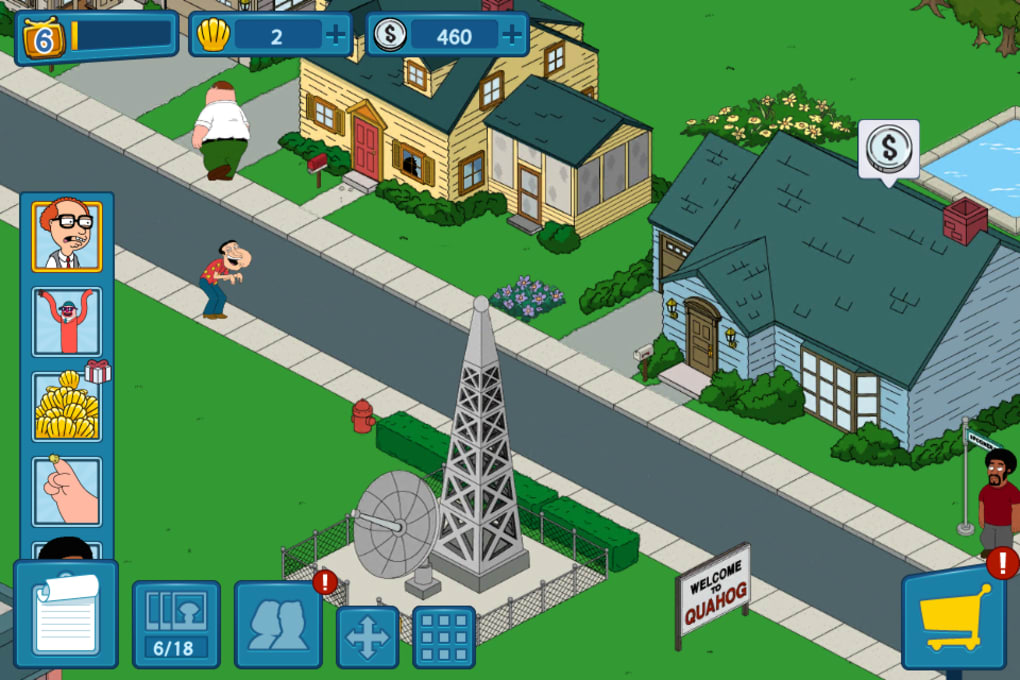
Family Guy: The Quest for Stuff is a free-to-play city-building simulation game that tasks players with reconstructing the fictional town of Quahog after its destruction by a chicken-costumed politician. Developed by 2K Games, the software blends strategy, casual gameplay, and the show’s signature adult humor into a desktop adaptation of a mobile phenomenon. The game is designed for fans of the popular FOX series who enjoy quirky, satirical content and light strategy mechanics. Players assume the role of Peter Griffin and his dysfunctional friends, guiding them through absurd missions and building infrastructure to restore the town.
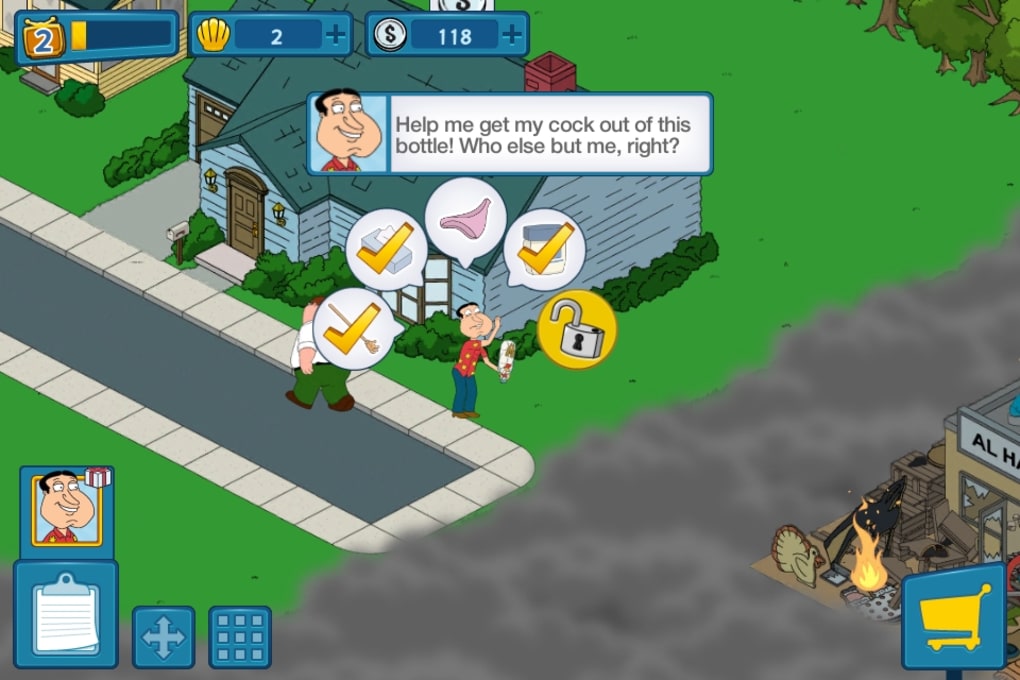
The core experience revolves around resource management, character progression, and completing bizarre tasks—such as making Peter stub his toe for hours or getting Quagmire to pass a gerbil through his trousers. These tasks unlock new buildings, characters, and upgrades, forming the backbone of the game’s progression. The game’s setting and narrative are deeply rooted in the surreal and irreverent tone of the animated series, making it a niche but immersive experience for loyal viewers.
While the game is accessible to casual players, its reliance on time-based mechanics and in-game currency (clams) may require strategic spending or patience. The developer did not provide additional system requirements beyond the supported platforms. Real-world usage scenarios include leisurely play sessions, social exploration of other players’ cities, and character customization through outfit unlocks.
Key Features & Capabilities
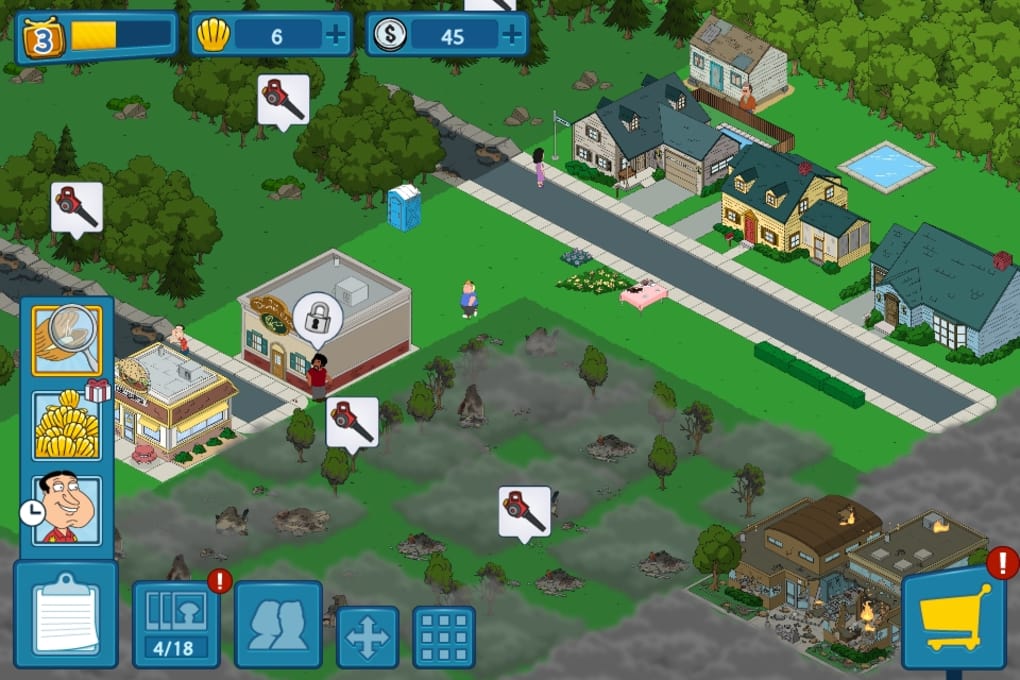
- City-Building Mechanics – Construct homes, businesses, and recreational spaces in Quahog using earned or purchased virtual currency. Each building generates resources and supports character development.
- Character Progression System – Unlock and level up iconic Family Guy characters like Peter Griffin, Stewie, and Quagmire. Assign them to tasks to earn cash, XP, and clams.
- Absurd Quests and Missions – Complete bizarre, humor-driven tasks that mirror the show’s offbeat comedy. Some quests require extended waiting periods, encouraging strategic planning or in-game purchases.
- FaceSpace Social Network – Explore a fictional social media platform where characters post jokes, photos, and commentary. Interactions reflect the show’s irreverent tone and add narrative depth.
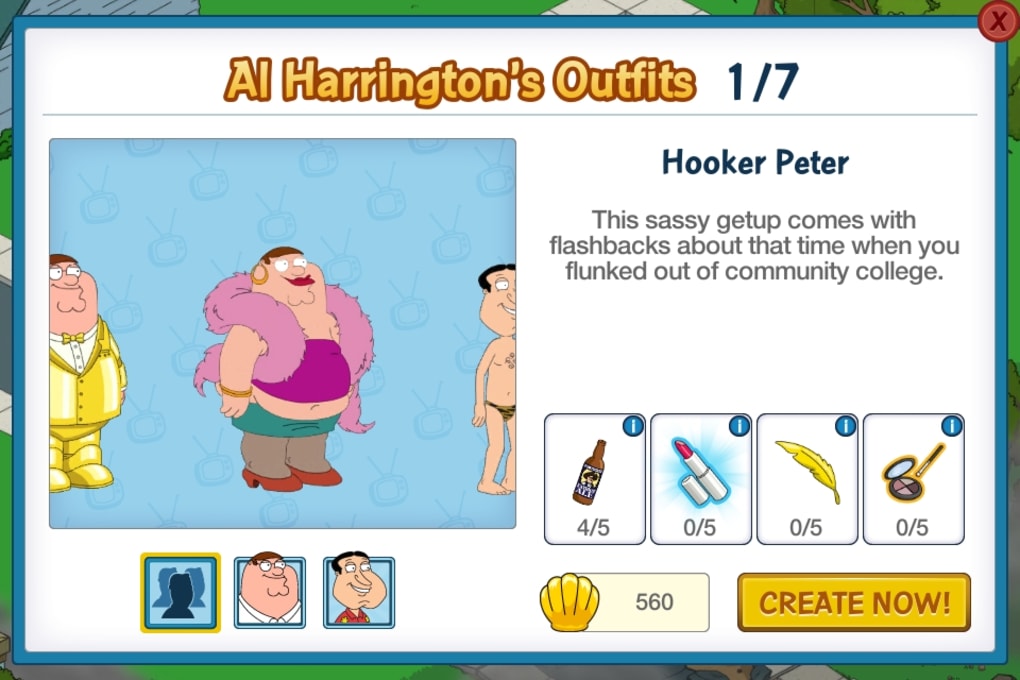
- Outfit and Customization System – Visit Al Harrington’s Costume Shop to dress characters in unique outfits, unlocking new styles as you progress through the game.
- Multiplayer Exploration – Visit other players’ cities to collect coins and clams, though interaction remains limited to passive exploration and resource gathering.
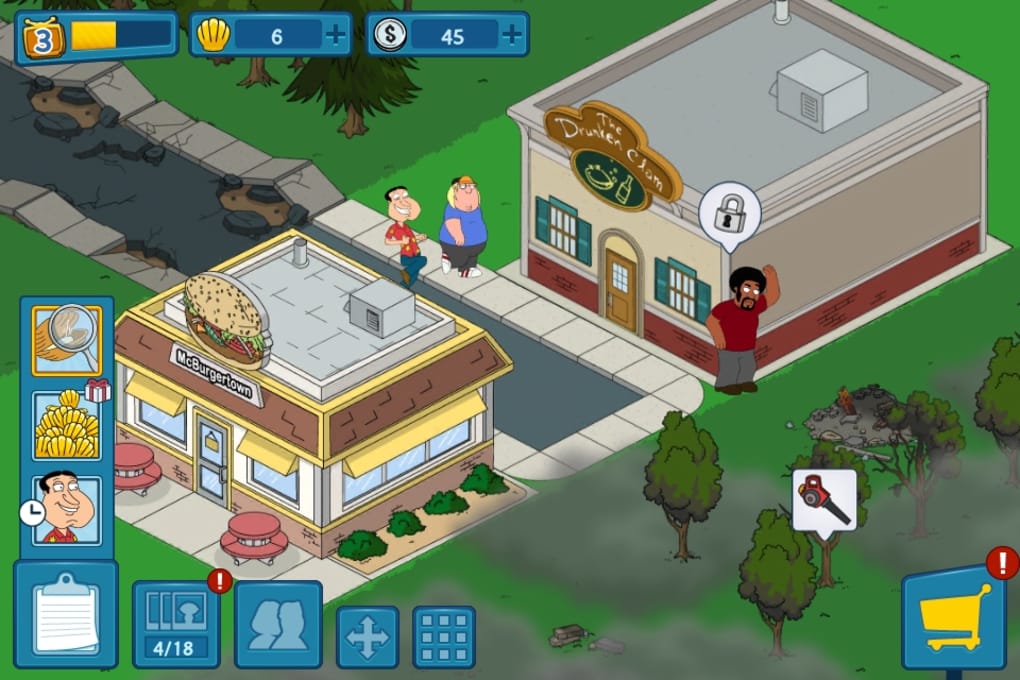
These features combine to create a gameplay loop centered on incremental progress, humor, and visual storytelling. The game leverages familiar mechanics from similar titles, such as The Simpsons: Tapped Out, but tailors them to the Family Guy universe. Realistic usage examples include building a themed district around Peter’s favorite bar or creating a high-level character farm to maximize resource output.
User Interface, Workflow & Performance
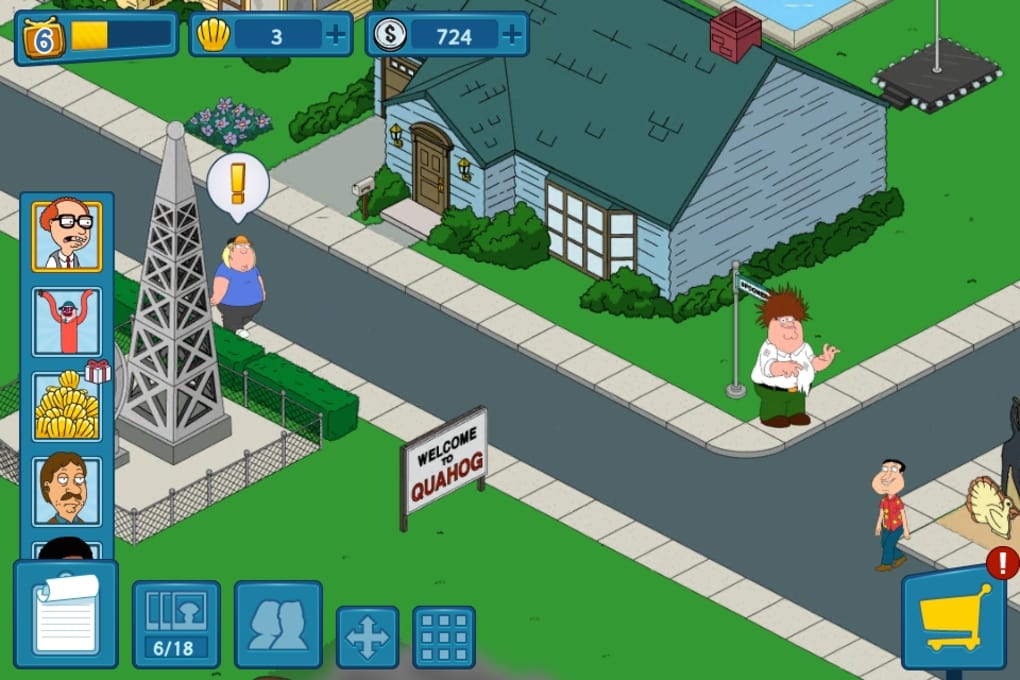
The user interface is structured around a 2D city map with intuitive navigation. Players can swipe or use keyboard controls to move across the map, pinch to zoom in or out, and tap on buildings or characters to initiate actions. The layout is clean, with clearly labeled icons for resource collection, task assignment, and character management. On-screen instructions guide new users during the initial setup, ensuring a low barrier to entry.
Workflow efficiency depends on how players balance time-based tasks with in-game purchases. While the core mechanics are straightforward, some players may encounter delays due to the game’s reliance on waiting periods. The developer did not specify resource usage details, so CPU and RAM behavior cannot be confirmed. Performance observations are based on general software behavior patterns.
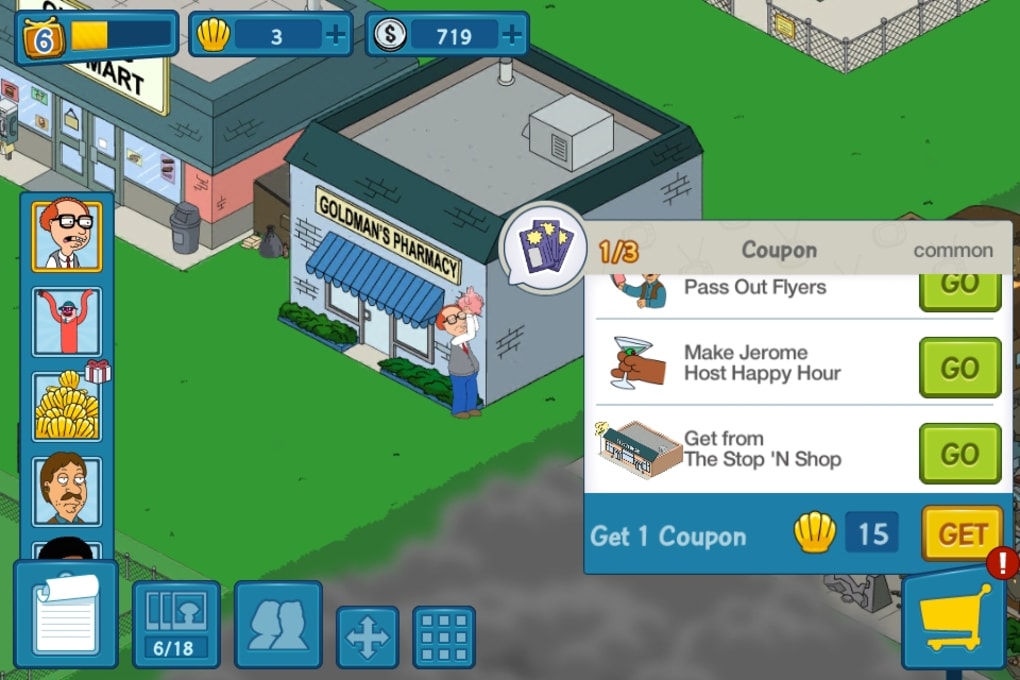
Stability appears to be consistent for most users, though some reported minor glitches, such as quests failing to activate after pressing ‘Go’ or splash screens freezing during character level-ups. These issues do not appear to disrupt the overall experience significantly. The game’s animations and visual design are smooth, and the cartoon-style graphics maintain a consistent aesthetic throughout.
Compatibility & System Requirements
Family Guy: The Quest for Stuff is compatible with Windows and Mac operating systems. The software version is 2.5.1, and the installation size is 236.8 MB. This indicates a lightweight footprint, suitable for most modern desktop systems. However, exact system requirements were not listed by the developer.
Platform compatibility information is limited to the provided OS support. No details were given regarding minimum CPU, RAM, or graphics card specifications. Users are advised to ensure their system meets standard requirements for running casual desktop applications. The game does not appear to demand high-end hardware, but performance may vary based on background processes and system configuration.
Pros and Cons
Pros
- Authentic representation of the Family Guy universe with recognizable characters and humor.
- Engaging city-building mechanics with a unique twist on time-based progression.
- Lightweight installation size (236.8 MB) suitable for most desktops.
- Free-to-play model allows access without upfront cost.
- Features like FaceSpace and costume customization add narrative and visual variety.
Cons
- Reliance on time-based tasks may frustrate players seeking immediate progress.
- Clams are difficult to earn, potentially pushing users toward in-app purchases.
- Limited multiplayer interaction beyond city exploration.
- Some reported UI glitches affecting quest activation and screen transitions.
- Humor may be offensive or polarizing for non-fans of the series.
FAQ Section
Is Family Guy: The Quest for Stuff available for Windows and Mac?
Yes, the software is compatible with both Windows and Mac operating systems as stated by the developer.
Is the game free to download and play?
Yes, Family Guy: The Quest for Stuff is free to download and play. There are no upfront costs for accessing the base game.
Does the game require an internet connection?
While not explicitly stated, the presence of social features like FaceSpace and city exploration suggests that an internet connection is required for full functionality.
Can I play the game offline?
It is unclear whether offline play is supported. Given the online-dependent features, full functionality likely requires an active internet connection.
What type of license does the software use?
The software is distributed under a free-to-play model. No specific license details were provided by the developer.
Final Thoughts + CTA
Family Guy: The Quest for Stuff delivers a distinctive blend of city-building strategy and surreal comedy, tailored for fans of the animated series. Its quirky missions, character-driven progression, and immersive world design offer a unique desktop experience that stands apart from typical casual games. While the reliance on time-based tasks and in-game currency may deter some players, the game’s humor and nostalgic appeal provide strong incentives to return.
For fans of adult-oriented satire and light strategy games, this title offers a fun, if niche, way to interact with the Quahog universe. The lightweight design and free access make it accessible to a broad audience. However, users unfamiliar with the show’s tone may find the content off-putting.
Download Family Guy: The Quest for Stuff now and rebuild Quahog with Peter Griffin and the gang.
Guides & Tutorials for Family Guy The Quest
How to install Family Guy The Quest
- Click the Preview / Download button above.
- Once redirected, accept the terms and click Install.
- Wait for the Family Guy The Quest download to finish on your device.
How to use Family Guy The Quest
This software is primarily used for its core features described above. Open the app after installation to explore its capabilities.
User Reviews for Family Guy The Quest 0
No reviews found





